Course
Selenium
.jpg)
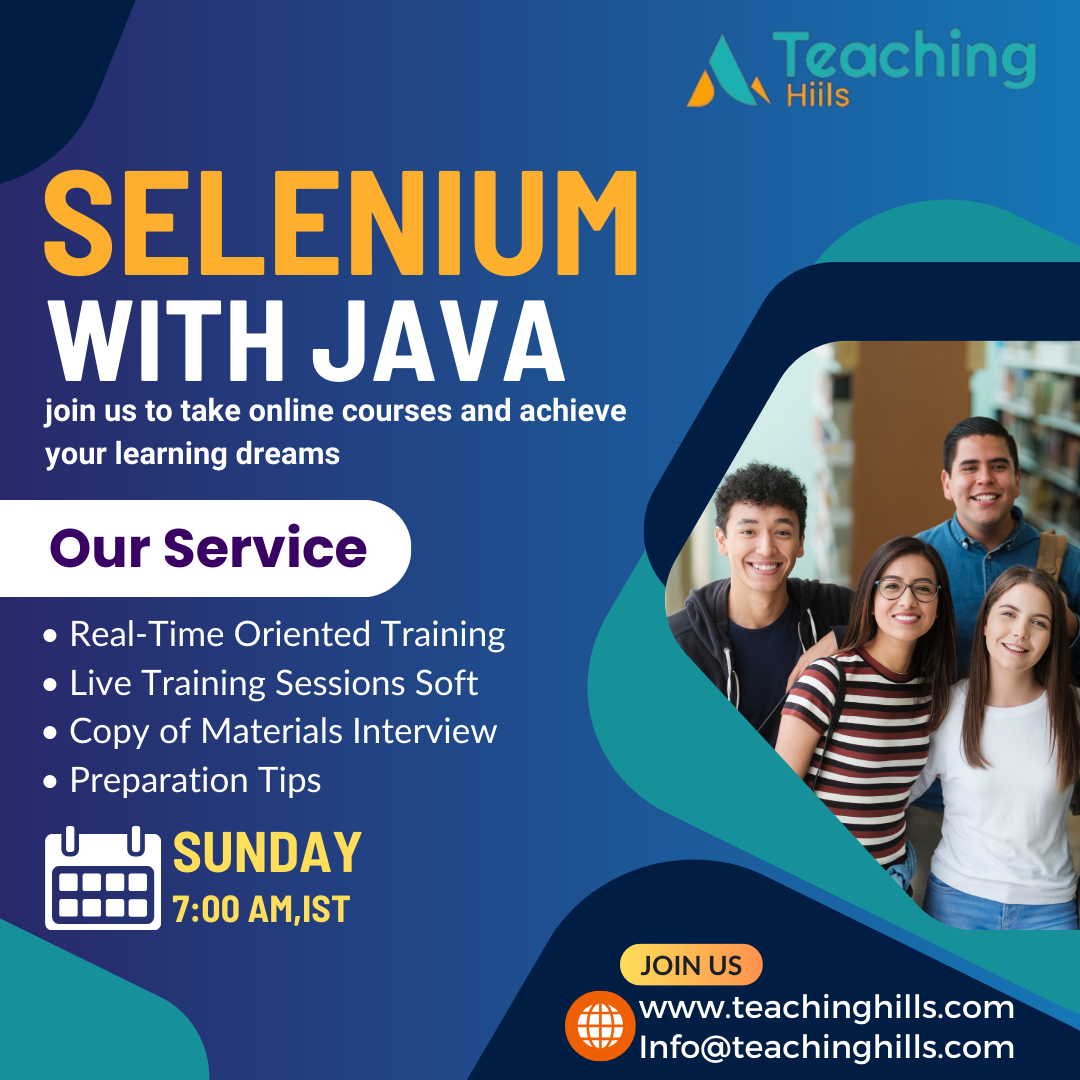
Selenium | Online Training
Provide Selenium Training
Trained 900 resources in last 5 years
Real time expert trainers
Indutry oriented training with corporate casestudies
Free Mock interviews
About Selenium Testing Course
Selenium is an open-source instrument that automates web programs. It gives a singular interface that permits you to write test scripts in programming languages like ava, NodeJS, PHP, Perl, Python, Ruby and C#, among others. A browser driver then executes this substance on a browser event on your device (more on this in a second). Selenium is an automated testing system. The system executes test scripts against different web browsers, like Chrome, Firefox, and Safari.
Selenium Testing Course Curriculum
Module 1: Automation Introduction
- What is Automation Testing
- Use of automation Testing
- Introduction to Various tools of Test Automation
- Why Open Source Test Automation
Module 2: Selenium Introduction
- Your first introduction to selenium and how it is useful for you?
- What is Selenium
- Advantage of Selenium
- Components of Selenium
- IDE, RC, Webdriver & Grid
Module 3: Locators
- What are locators, Objects, Elements and Target
- HTML Basics
- ID, Name, Class, Xpath, CSS etc
- X-PATH and Different Techniques
- X-Path Absolute
- X-Path Attribute
- X-Path Relative
- X-Path finder tools
- Different tools available to identify Xpath and CSS
- Locating elements in Google Chrome and IE
- Tools to Identify Xpath and CSS –Chrome extension
Module 4: Java Basics
- Introduction to Java
- Setting Development Environment – Eclipse
- Features of Eclipse
- Walk through of Java concepts
- Introduction to Java Data Types
- Comments in Java
- Java variables
- Conditional Statements [IF], and Loop [While]
- Conditional Statement[SWITCH]
- Loop [FOR]
Module 5: Java Basics Continue
- String Data type and functions
- Arrays
- Collections (List, Set and Hash Map)
- Writing common methods
- Method arguments and return types
- Java OOPs Concepts
- Interface
- Constructor
- Polymorphism
- Access modifiers
- Debugging in Java
Module 6: Advanced Java:
- Read data from Excel Sheet.
- Write data into excel sheet.
- Exception Handling
- Try and Catch block
- Single Level Inheritance
- Multi Level Inheritance
- Abstractions
- Interface
- Method Overloading
- Method Overriding
- Encapsulation
Module 7: TestNG
- What is TestNG
- Benefits and Features of TestNG
- How to download TestNG
- How to use TestNg
- Annotations in TestNg
- Data provider
- Groups in TestNG
- Depend On in TestNG
Module 8: TestNG Continue
- Skipping Tests
- Prioritizing in TestNG
- TestNG Assertions
- Testcase sequencing in TestNG
- TestNG Reporters
- Always Run
- Create TestNG suite
- How to run Test Suite in TestNG
Module 9: Introduction to Selenium WebDriver
- What is WebDriver
- Exploring Webdriver java docs
- Downloading Webdriver jar files
- Set up Webdriver and TestNG Project in Eclipse
- My First Selenium Webdriver script
Module 10: Webdriver Basics
- Finding elements using different techniques
- Different drivers available in Webdriver
- Run scripts in different browsers (IE, FF and Chrome and HTML Unitdriver)
- Automating different HTML Elements
- Different locator strategies:
- Id
- Name
- className
- tagName
- LinkText
- Partial Link Text
- Xpath
- CSS
Module 11: Webdriver Basics Continue
- text fields
- Text area
- buttons
- links
- check box
- Verification of check box, radio button and dropdown box status
- drop-down(Combo box) and List box
- Selecting a value from dropdown in different ways
- selectByValue
- SelectByVisibleText
- SelectByIndex
Module 12: Webdriver Basics Continue
- Difference between findElement and findElements
- Get number of elements in Dropdown
- Verifications and Assertions
- Wait Commands/ Synchronisation Commands
- Explicit and Implicit Waits
- Using Get Methods
- Navigation Methods
- Introduction to Data driven
- Reading data from external resources (Excel)
- Read test data from excel and using in Webdriver script. (Apache POI)
- Screenshots using Webdriver
- Capture screenshot on failure
Module 13: Advance Webdriver Concepts
- Introduction to Actions class
- Simulating keypress events such as buttons such as Enter, page up,
- Simulation of pressing Multi keys .
- pagedown, backspace etc
- Handling Mouse over Menus
- Drag and Drop
- Handling Ajax Content
- Suggestions
- Working with Alerts
- Handling frames
- Working with Popups, Tabs and New windows
Module 14: Build Tools
- What is Build tool
- What is Maven
- How to install Maven
- Create a Maven Project
- Integrate selenium with Maven
- Advantages of Maven
- Run scripts from POM.xml file.
Module 15: Version Control Tools
- What is use of Version control tools
- Advantages of GitHub
- Install GitHUb
- Create a new Project
- Clone a project
- Commit and push changes
Module 16: Continuous Integration Tool
- What is CI?
- What is Jenkins?
- Advantages of Jenkins
- How to install/ Configure Jenkins
- How to set up New Jenkins Job to run selenium scripts
- How to schedule Jenkins Job
Module 17: Selenium GRID
- What is selenium GRID
- Advantages of GRID
- HUB and Nodes
- What is VisGRID
- How to run scripts in parallel
- Writing same GRID Program
Module 18: Framework
- Introduction to Framework
- Introduction to Hybrid Framework
- What is Object Repository
- How to develop customised webdriver commands
- Develop reusable functions
- Develop Hybrid framework using Selenium and testNG from Scratch
Selenium Testing Course Highlights
- Online live training by a trained instructor
- Training by real-time professionals
- Real-time scenarios
- Study Material
- Notes
- Test Projects
- Practice Assignments
- Mock Interviews
Software Trainings
Job Supports
Useful Links
© 2026 TeachingHills Training Center | All Rights Reserved